


Why Storyboarding & Script Writing Are the Foundation of a Successful Corporate Video?
When you embark on any video production, two elements matter the most: storyboarding and script writing. They are the foundational pillars of any video production. They are the heart and soul of any video in the process of creation. Crafting a compelling narrative that resonates with the audience starts with a well-thought-out script and a detailed storyboard.
While these two elements might seem like separate steps in the process, they are deeply interconnected and essential for shaping the overall narrative of a video. The process of story boarding is where your vision begins to take shape visually, allowing you to plan each shot, scene and transition with clarity. Script writing is the backbone of your story, setting the tone, voice and flow of the narrative. Together, these elements create a cohesive roadmap that guides the entire production process.
Table of Contents
- Storyboarding: Bringing Your Vision to Life Visually
- Script Writing: Your Narrative Backbone
- Integrating Script Writing + Storyboarding
- Step-by-Step Process to Elevate Your Storyboarding & Script Writing
- Why Should Corporate Videos Matter to Companies?
- Bonus Tips: Going Beyond the Basics of Storyboarding and Script Writing
- Conclusion
- Frequently Asked Questions (FAQs) related to Storyboarding and Script Writing
According to recent data:
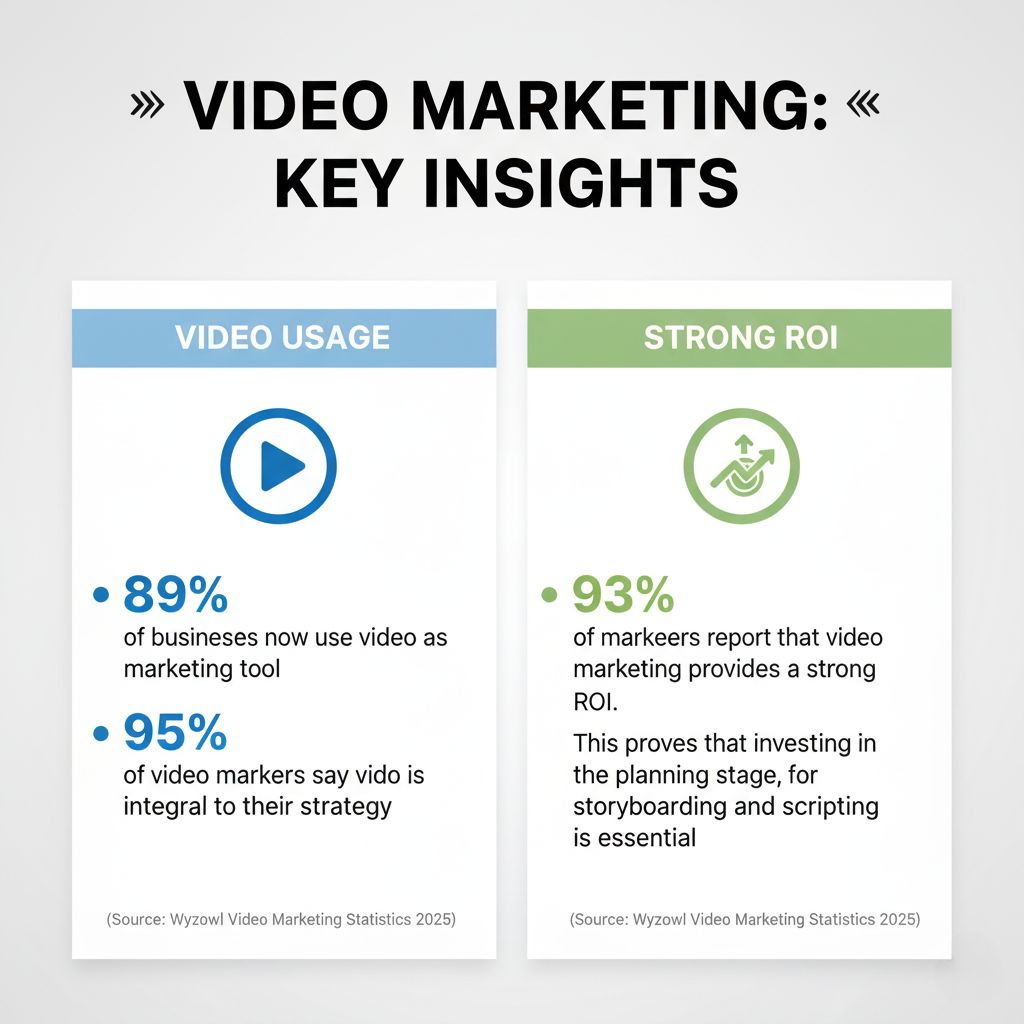
- 89% of businesses now use video as a marketing tool, and 95% of video marketers say video is integral to their strategy. (Source: Wyzowl Video Marketing Statistics 2025)
- 93% of marketers report that video marketing provides a strong ROI. This proves that investing in the planning stage, for storyboarding and scripting is essential. (Source: Wyzowl Video Marketing Statistics 2025)
In this blog, you’ll discover what makes an effective storyboard and script for corporate video production, and why these two steps are deeply interconnected in shaping a strong visual narrative.
If you want to take your script writing and story boarding skills to the next level, it’s all about finding your unique voice, staying flexible and trusting the process. Don’t be afraid to experiment, revise, and collaborate with others. Let’s begin.
Storyboarding: Bringing Your Vision to Life Visually
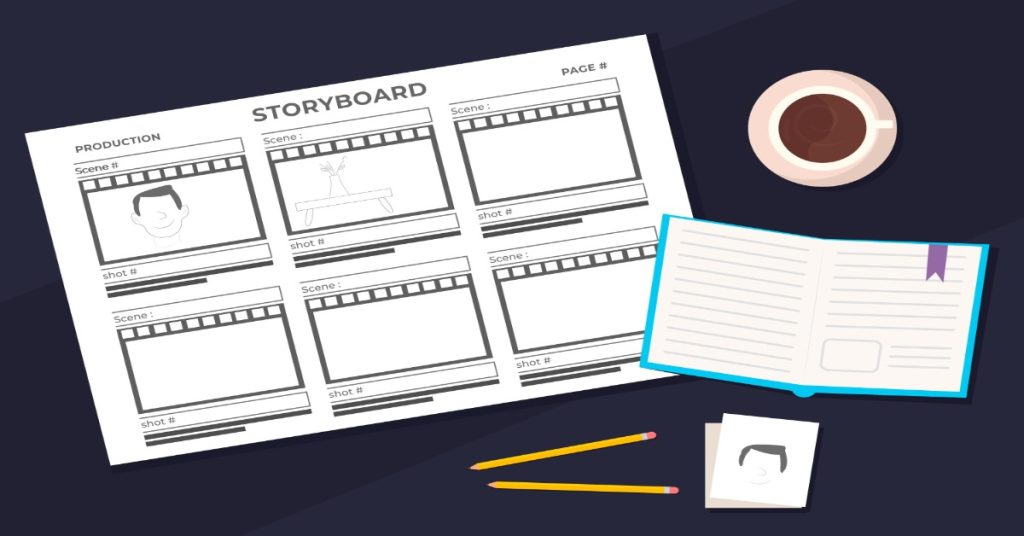
Storyboarding allows you to plan each shot, scene, transition, and visual rhythm before you set up a camera for recording. Think of it as the blueprint for your visual production.
Why Does Storyboarding Matter?
- It aligns your creative team and stakeholders on what the final video will look like and feel like.
- To uncover gaps early, like missing visuals, awkward transitions or inconsistent pacing.
- It helps you control budget and timeline by identifying complex shots ahead of time.
- It improves efficiency during production because everyone knows what to shoot and how it fits into the whole.
Best Practices for Storyboarding
- Use simple sketches or digital frames. They don’t need to be works of art, but they must clearly illustrate the progression of visuals.
- Accompany each frame with shot details: camera angle, movement, on-screen text/graphics and audio cues.
- Map out scene transitions. How will you move from one visual to the next? Which transition supports the narrative?
- Label timing: approximate shot durations help keep the video lean and engaging.
- Revise early and often. A storyboard is a living tool, which should evolve with the script.
- Collaborate: invite input from your production crew, editor, and even voice-over talent, so that all craft disciplines are aligned.
Script Writing: Your Narrative Backbone
While the storyboard guides visuals, the script guides the message, tone, flow, and emotion. A great script sets the pace, speaks to the audience’s needs, and leads them to action.
What makes a strong script for corporate video?
- Clarity of purpose – Your video should have one main objective (inform, persuade or inspire).
- Audience-centric tone – Want your viewer to connect? Speak in their language. Use “you” rather than “we” where possible.
- Conciseness –With shrinking attention spans, shorter is often better. Stats show that videos of 30–60 seconds are among the most effective. (Source: Loopex Digital)
- Hook at the beginning – Grab attention within the first few seconds. A question, statistics or a bold statement could work.
- Narrative arc – Define a beginning (problem or context), middle (solution or content), and end (call to action).
- Consistent voice and style – It should match with the brand and be consistent with other media.
- Call to action (CTA) – Every corporate video should gently lead the viewer to what happens next: visit the website, contact you, download a whitepaper, subscribe or something similar.

Integrating Script Writing + Storyboarding
- As you write the script, think visually. What image supports this line?
- As you storyboard, refer to the script: does the visual reinforce the message or distract?
- Identify places where visuals strengthen the words (e.g., overlay graphics, B-roll, animation) and where the voice-over does heavy lifting.
- Keep timing in mind. A script that reads too long will choke the visuals.
- Leave room for flexibility. Sometimes production realities or creative inspiration will shift things, so build in marginal adjustments.
Step-by-Step Process to Elevate Your Storyboarding & Script Writing
Here’s a structured workflow you can adopt or adapt to your corporate video production process:
Step 1: Define Your Goals
You should begin by clearly outlining what you want to achieve with the video. Are you:
- Introducing a new product or service?
- Sharing a case study or customer-success story?
- Building brand awareness?
- Driving leads or enquiries?
When you know the primary goal, you can tailor every element, from storyboard to script and visual style to achieve that goal.
Step 2: Know Your Audience
Tailor your content to the interests & needs of your target audience to ensure your message resonates. Understand who you’re talking to.
- What role do they have? (e.g., C-suite, operations managers, HR)
- Are there any pain points or needs to address?
- What motivates them and what stops them from making decisions?
Tailoring the message ensures it resonates instead of drifting and getting lost in the noise.
Step 3: Write a Strong Script
With a target audience & a clear goal, craft the script. Keep it concise and engaging.
- Use a conversational tone. Avoid heavy jargon unless your audience expects it.
- Keep the sentences short. Use one main idea per sentence.
- Start with a hook.
- Move through the narrative logically.
- Place the CTA at the end but hint at it throughout.
- Read it aloud. If something sounds awkward or long-winded, trim it.
Step 4: Incorporate Visuals & Audio
Once the words are in place, bring them to life:
- Plan visuals that reinforce the message (graphics, B-roll, animation or real people).
- Map audio cues: background music, ambient sound, voice-over tone.
- Consider the pacing: allow the visuals and the audio some breathing space.
- In your storyboard, link visuals to script lines: each frame should correspond to a script.
Research shows that videos with clear visuals and aligned audio perform better in engagement and retention.

Step 5: Start with a Hook
Your first few seconds are critical. Try to capture your audience’s attention with something thought provoking.
- A surprising statistic (“Did you know 93 % of marketers say video delivers strong ROI?”)
- A provocative question (“What if your next video did more than just look good—what if it drove real leads?”)
- A bold visual (“Imagine your brand on screen, with 10-million impressions…”).
A strong hook sets the tone and earns the viewer’s attention.
Step 6: Keep It Simple
Avoid overcomplicating your message. Stick to one main idea per video to keep it clear and focused; it works best. If you have multiple ideas, consider a video series rather than one long video.
Always aim for keeping your videos short. Short videos win in the corporate world. Many marketers report that 30–60 second videos are the sweet spot for attention and completion. (Source: SQ Magazine)
Step 7: Use a Consistent Style
Maintain consistency in tone, branding, visual style, and voice throughout the video. Why? Because consistency builds trust and authenticity. Also, it helps in creating a cohesive & professional look.
When your visuals, audio, script, and brand identity all align, the result feels seamless and high-quality.
Step 8: Collaborate, revise and iterate
Great videos are rarely perfect on the first draft.
- Share early drafts with stakeholders (brand team, production crew, editors).
- Ask for feedback on clarity, pacing, tone and be open to revision. Sometimes a scene doesn’t work when produced, or a line feels off once spoken.
- Use your storyboard as a flexible guide and not a rigid one. Adapt if the shoot or the concept reveals something better.

Why Should Corporate Videos Matter to Companies?
The ROI is real
As noted earlier, 93% of marketers say video marketing yields strong ROI. Embedding a video on your landing page can increase conversions by a reported 34 % or more. This means your video can be a functional asset in your marketing toolbox. (Source: SQ Magazine)
Audience behavior demands it
- More than 78% of people say they’d rather watch a short video to learn about a product or service than read text. (Source: Wyzowl)
- Shorter videos perform better because audiences have shorter attention spans. If your script is long and your storyboard is complicated, then you will be fighting with viewer drop-off.
Professional process matters
Several studies highlight that most video content still lacks in planning, clarity, or alignment. As a brand, if you invest in a disciplined storyboard + script process, you distinguish yourself.
One academic study found that short-form videos tend to outperform longer ones in views and likes, especially when well-planned. (Source: arXiv) That supports the idea: good planning leads to better engagement.
Bonus Tips: Going Beyond the Basics of Storyboarding and Script Writing
- Use storyboarding software or templates – Tools like Boords, Storyboard That or even simple PowerPoint or Google Slides can help in collaboration.
- Define roles early – Who writes the script, who approves, who draws the storyboard, who signs off each stage?
- Plan for mobile and silent mode – Many viewers watch with sound off or on mobile screens. Subtitles and clear visuals matter. One source says 59 % of people watch videos with sound off. (Source: visualbest.co)
- Leave breathing room in the script – Silence, pauses and visually-driven moments can be powerful.
- Think cross-platform – If you’ll repurpose the video into trailers or social-clip-downs, think about how each shot and line will adapt.
- Monitor performance and iterate – After publishing, collect viewer data (drop-off points, watch-time, conversion) and feed that back into your process for future videos.
Conclusion
In a corporate context you often have multiple stakeholders, brand guidelines, legal + compliance constraints and large-scale goals. A structured storyboard and script process helps you:
- Align multiple stakeholders around one vision
- Keep the message on brand
- Ensure every shot and every line of voice-over supports the objective
- Control production costs by avoiding last-minute changes and wasting shoot-time
- Measure effectiveness. You can map back visuals and script to the performance metrics (watch time, engagement, conversions).
By investing in both storyboarding and script writing, while recognizing that they are two sides of the same coin, you set your corporate videos for success.
You give your audience clarity, your brand credibility, your marketing a measurable impact and you give your production team a clear roadmap to follow. By collaborating through the whole process, you can create videos that could work wonders.
Read More
Short Videos and Reels: Why They’re Dominating Social Media Marketing?

7 Types of Corporate Videos That Every Business Should Use

7 Advanced Camera Techniques That Make Corporate Videos Visually Unforgettable
Frequently Asked Questions (FAQs) related to Storyboarding and Script Writing
Q1- What is the main purpose of a storyboard?
The main purpose of a storyboard is to visualize the script before the production begins. It acts as a roadmap for your team, ensuring everyone understands the creative direction. A good storyboard saves time, reduces errors, and keeps production on track by showing exactly how each shot should look.
Q2- How do I start a storyboard?
Start by writing a brief outline of your story or message. Then, divide it into scenes. Sketch or digitally create frames for each scene, showing key actions and visuals. Add notes about dialogue, transitions, and camera directions. Keep it rough in the beginning as your goal is to visualize ideas before refining them.
Q3- How is storyboarding done?
Storyboarding is done by turning a written script into a series of visual frames. Each frame represents a key shot or scene. Creators use drawings, images, or digital tools to map out visuals, audio cues, and transitions. Once drafted, the storyboard is reviewed and refined through collaboration before filming or animation begins.
Q4- What are the 5 important elements of a storyboard?
A strong storyboard includes five key elements:
- Scenes and frames – Visual snapshots of each moment.
- Camera angles and movement – Indicate zooms, pans, or transitions.
- Dialogue or narration – Scripted lines or voiceovers.
- Action notes – What the characters or visuals are doing.
- Timing and sequence – How long each shot lasts and how scenes connect.
Q5- What software is used for storyboards?
Several tools are available for creating professional storyboards. Popular options include Boords, Storyboarder, Canva, FrameForge, and Adobe Illustrator. Many teams also use Google Slides or PowerPoint for quick, collaborative drafts. Choose a tool that fits your workflow and allows easy editing and sharing.
Q6- What is script used for?
A script serves as the blueprint for a video. It defines dialogue, pacing, tone, and message. For corporate videos, it ensures brand consistency and delivers key information effectively. It also helps directors, editors, and voice artists stay aligned with the video’s purpose and structure.
Q7- What is the difference between a storyboard and a script?
A script tells the story in words. It includes dialogue, narration, and scene descriptions. Whereas a storyboard shows the story visually. It illustrates how each scene looks and moves. Together, they form a complete guide: the script defines what’s said, and the storyboard shows how it’s seen.
